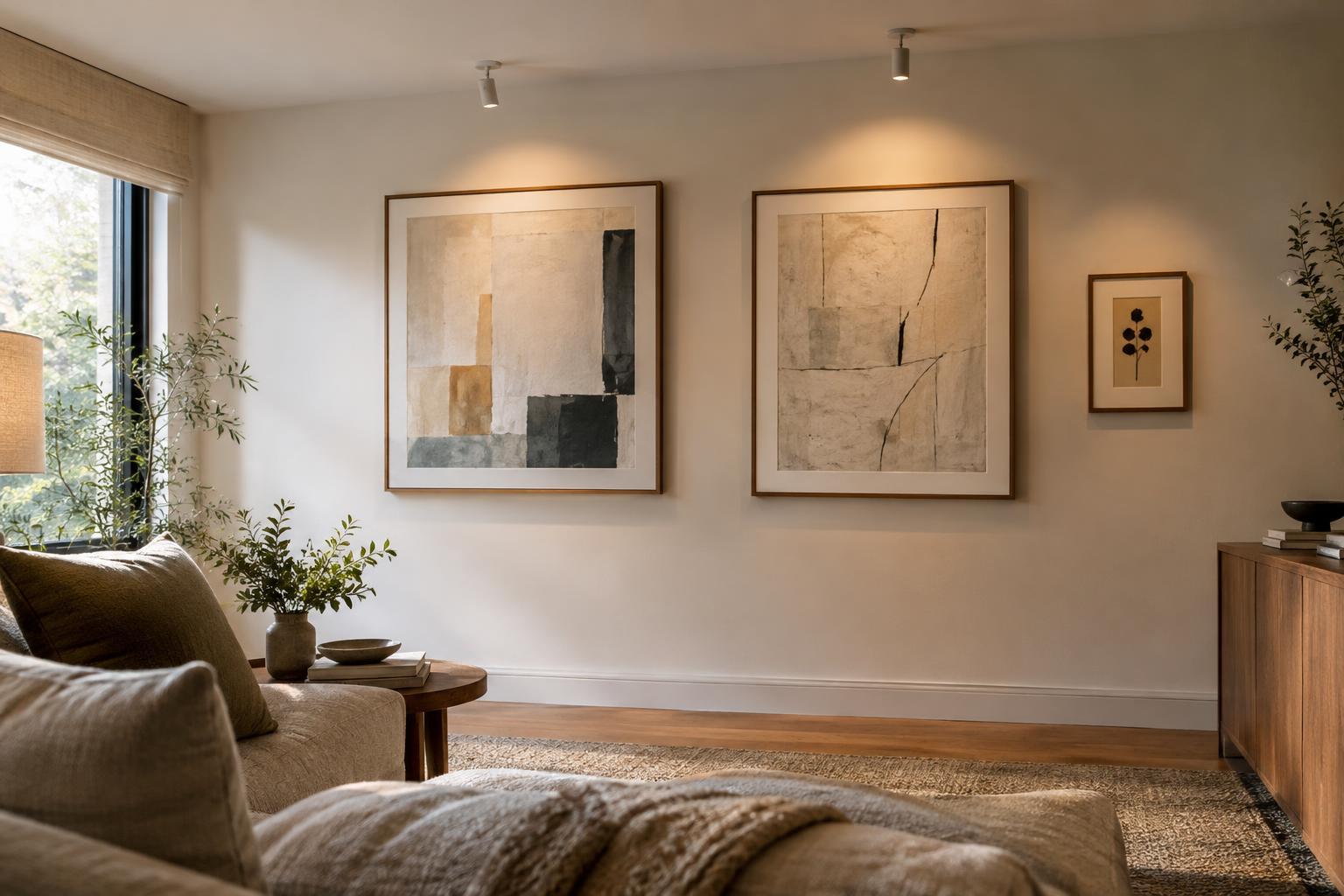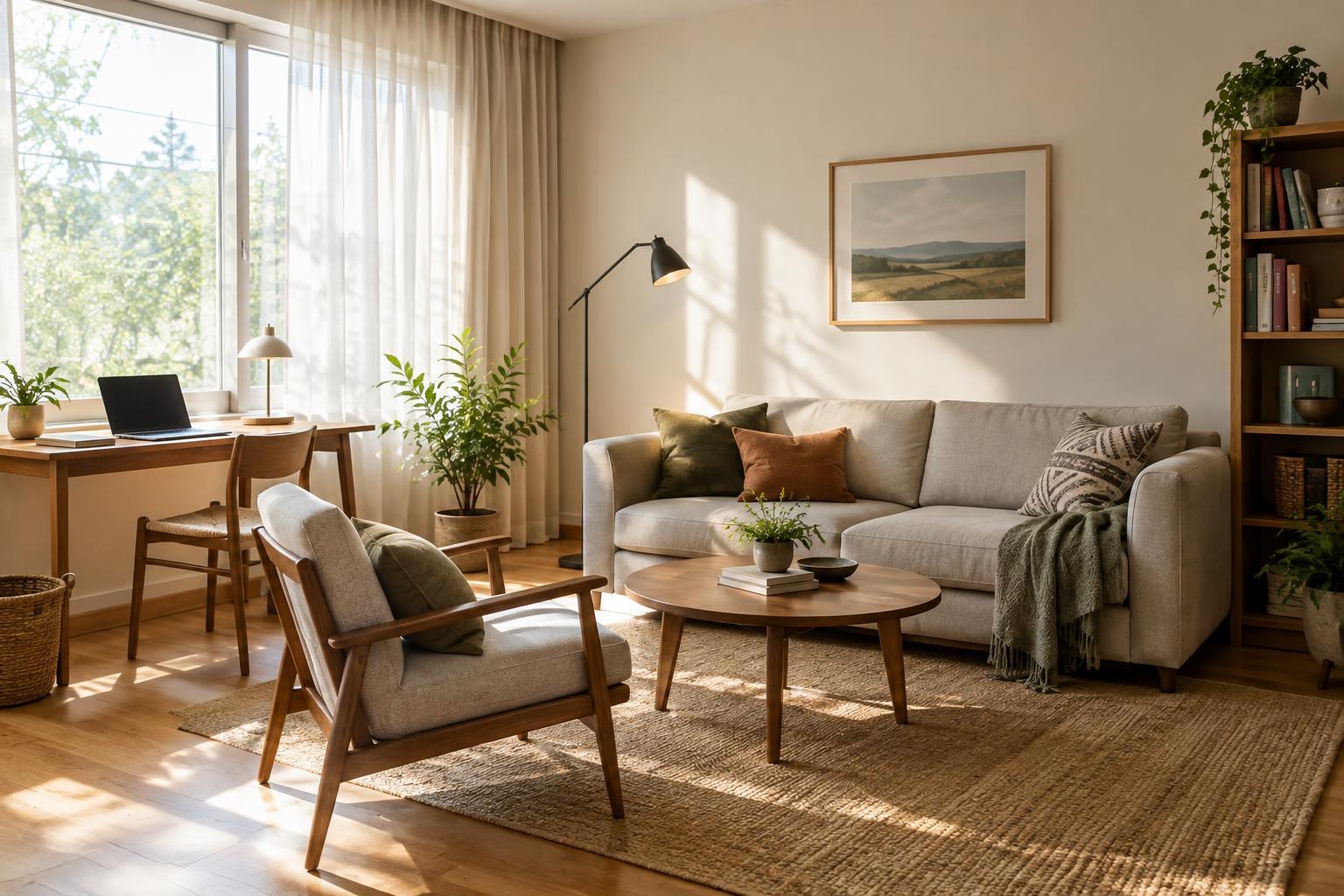
Start with what the room needs to support
Before deciding where furniture belongs, list the activities that happen in the room and when they usually happen. A table used for breakfast and evening homework has different lighting needs at each time. A sofa might serve both daytime reading and nighttime television viewing. Note which activities benefit from direct daylight, which need even light, and which involve a screen that can reflect a window.
Make a quick sketch showing windows, doors, large furniture and outlets. Then mark the places you normally sit or stand. This gives you a starting point for arranging the room around people rather than treating the brightest patch of floor as the automatic home for every activity.
Watch how daylight moves through the space
Look at the room at a few times when you actually use it. Notice where sunlight falls, where it creates strong contrast and where window reflections appear on screens. Conditions can change with the season, so think of this as a useful snapshot rather than a permanent lighting map. If you cannot observe the room throughout the day, use what you already know about its brightest and dimmest periods and leave room to adjust.
Keep the view from important seats in mind, too. A chair may receive pleasant daylight but face a blank wall, while a position a little farther from the window may feel more comfortable. Try to balance light, view and the space needed to walk past the chair before committing to its location.
Place screens and seating to reduce reflections
A screen directly opposite a window may mirror the glass. Placing it immediately in front of a bright window can also make it tiring to look at because the background is much brighter than the screen. Where the layout allows, start by positioning the screen on a wall at an angle to the window. Test it from the actual seats, since a small shift in either the screen or the seating can change what you see.
For a laptop or movable monitor, flexibility may matter more than finding one perfect position. Leave enough clear tabletop to turn the device, and make sure cords can reach without crossing a walking path. If you use an AI tool to brainstorm arrangements, browse AI Fundamentals · AcceleratingFuture AI for broader background on such tools, then check every suggestion against the room’s real dimensions and reflections.
Give each activity a suitable lighting option
Daylight can help a room feel open, but it does not need to do every job. A reading seat may work best near a window with a movable lamp for darker hours. A table used for detailed tasks may need a lamp that illuminates the work surface without shining into someone’s eyes. Aim for options you can adjust rather than one arrangement that works only at midday.
Window coverings can help when furniture cannot move. A shade, curtain or blind may soften bright light during screen use while letting you uncover the window at other times. Renters can look for options that suit their window and installation limits. If you are organizing layout notes alongside other digital tasks, browse AI at Work · AcceleratingFuture AI for further reading about AI in everyday work; keep your own observations as the basis for decisions about the room.
Test the arrangement before making it permanent
Move lightweight pieces first, or mark proposed furniture positions on the floor. Sit where you would normally sit and look toward the screen, the window and anyone you share the room with. Check whether chairs can pull out, doors can open and people can move through the space without stepping around a lamp or cable. Repeat the screen check at a second time of day if you can.
Keep a short record of what worked: perhaps the reading chair needs a lamp, or the monitor works better at the other end of the table. That is more useful than trying to perfect the whole room at once. For inspiration on creative uses of AI, browse Creative AI · AcceleratingFuture AI, but treat any imagined room image as an idea to test—not proof that a layout will work in your space.